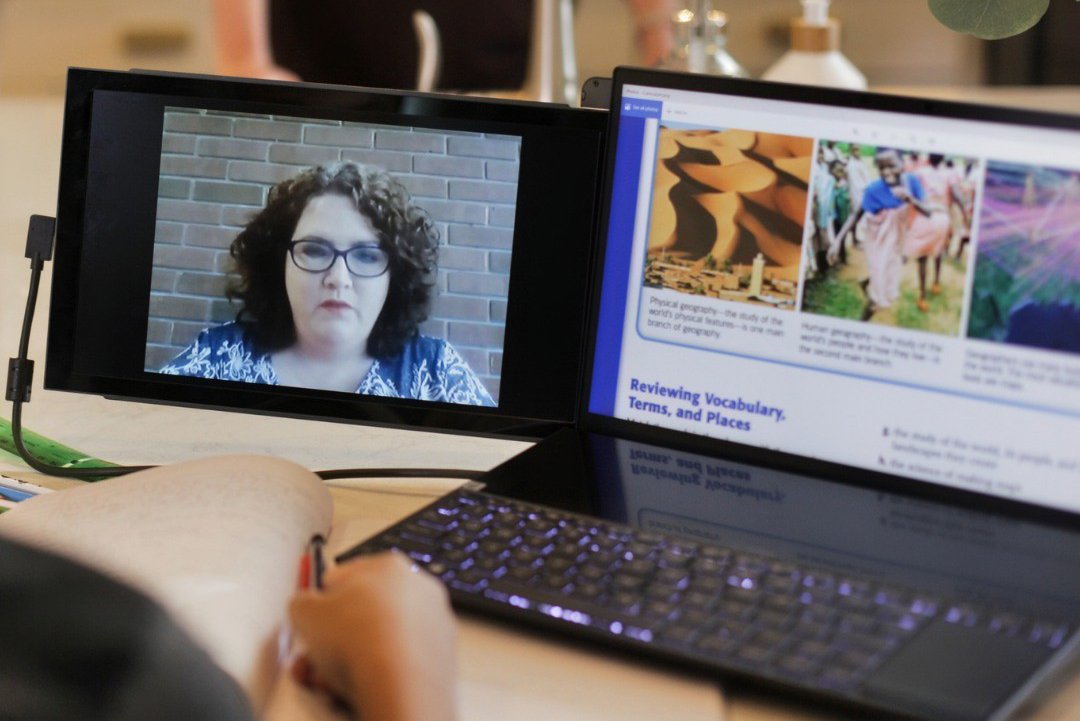
In the modern fast-paced business world, being chained to the desk is no longer the norm. Today’s professionals are digital nomads who are constantly moving between client sites, home offices, coffee shops, and conference rooms. For individuals who depend on a dual-monitor setup to maintain productivity, a premium-quality portable monitor is a must-have tool.
However, not all portable monitors are designed equally. It’s recommended to buy Mobile Pixels portable monitors for business purposes. Furthermore, you need to look beyond the basic screen size to boost your workflow and offer maximum adaptability.
This blog will shed light on the top features to look for in a portable monitor to make your professional life easier.
The Single-Cable Solution
First, look for USB-C with Power Delivery. This is the ultimate game-changer for business users, offering a one-cable solution:
Video and Power in One
This connection can transmit the video signal and draw power from your laptop. The USB-C connection eliminates heavy power bricks, separate video cables, and desk clutter.
Plug-and-Play In Seconds
You can set an expanded workspace in seconds. Plug in one USB-C cable, and start working. It is a huge advantage when you have to rush for an expected meeting or presentation.
Power Delivery
Don’t immediately purchase any portable monitor. Look for the screens that support Power Delivery pass-through. This lets you plug your laptop charger into the monitor, which will then pass that power to your laptop. You are charging the device while using the external display. This keeps your laptop’s battery topped up, especially during long work sessions.
Lightweight Design
The main benefit of a portable monitor is that it can travel with you, so the screen must be portable. A heavy version is not travel-friendly; therefore, search for the following:
Featherlight Construction
Hunt for a monitor that weighs under 2 pounds, especially for 14-inch and 15.6-inch models. A slim profile under 0.4 inches easily slides into your laptop bag or briefcase. No bulkiness.
Smart Cover
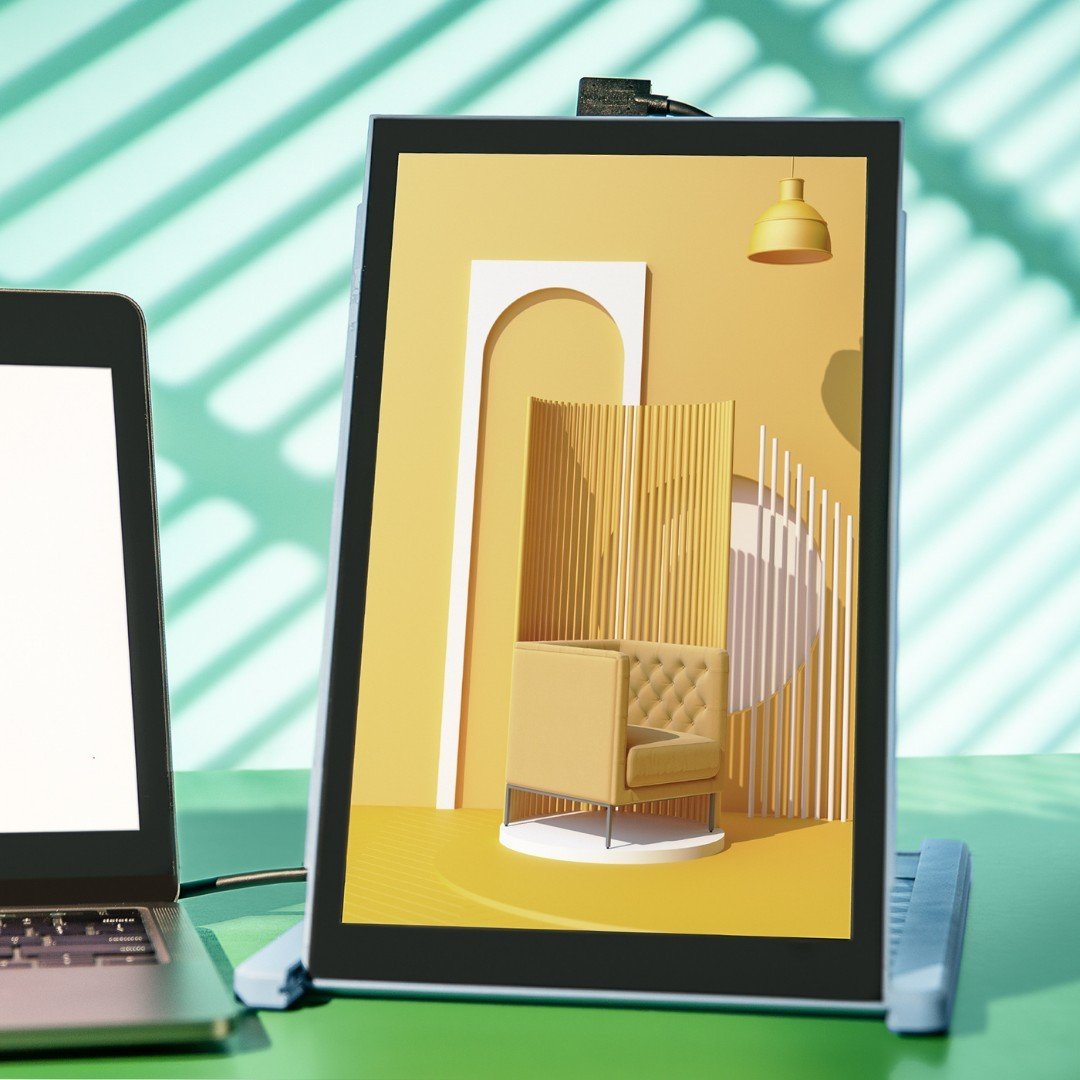
The best portable monitors come with either an integrated stand or a magnetic smart cover. This folds into a multi-angle stand, eradicating the need for extra accessories. It also protects the screen during transit, allowing for both horizontal and vertical orientations, ideal for reviewing coding or long documents.
Durability
Being lightweight, the build should be durable. Look for models made from an aluminum alloy chassis that can endure the wear and tear.
Enhances Interaction
A touch-screen portable monitor is not necessary for every professional, but it still offers a big leap in interaction and adaptability:
Intuitive Presentation
During meetings, you can tap, swipe, and draw directly on your presentation slides. This is more professional than struggling with a mouse that can hang at the last minute. Plus, excellent for arranging interactive workshops.
Digital Annotation
A touch screen makes it easier to review documents, annotate PDFs, or mark up creative work. Lay your hands on the version with a stylus support, which offers a natural experience. This bridges the gap between the paper-based and digital workflows.
Improved Navigation for Windows and Android
What type of laptops do you use? Windows or Android? Some of these also usually support touch input over USB-C. Therefore, you can turn your touch-screen monitor into your second display into an interactive tablet. The outcome? It provides improved navigation, speeding multitasking.
Essential Display Features
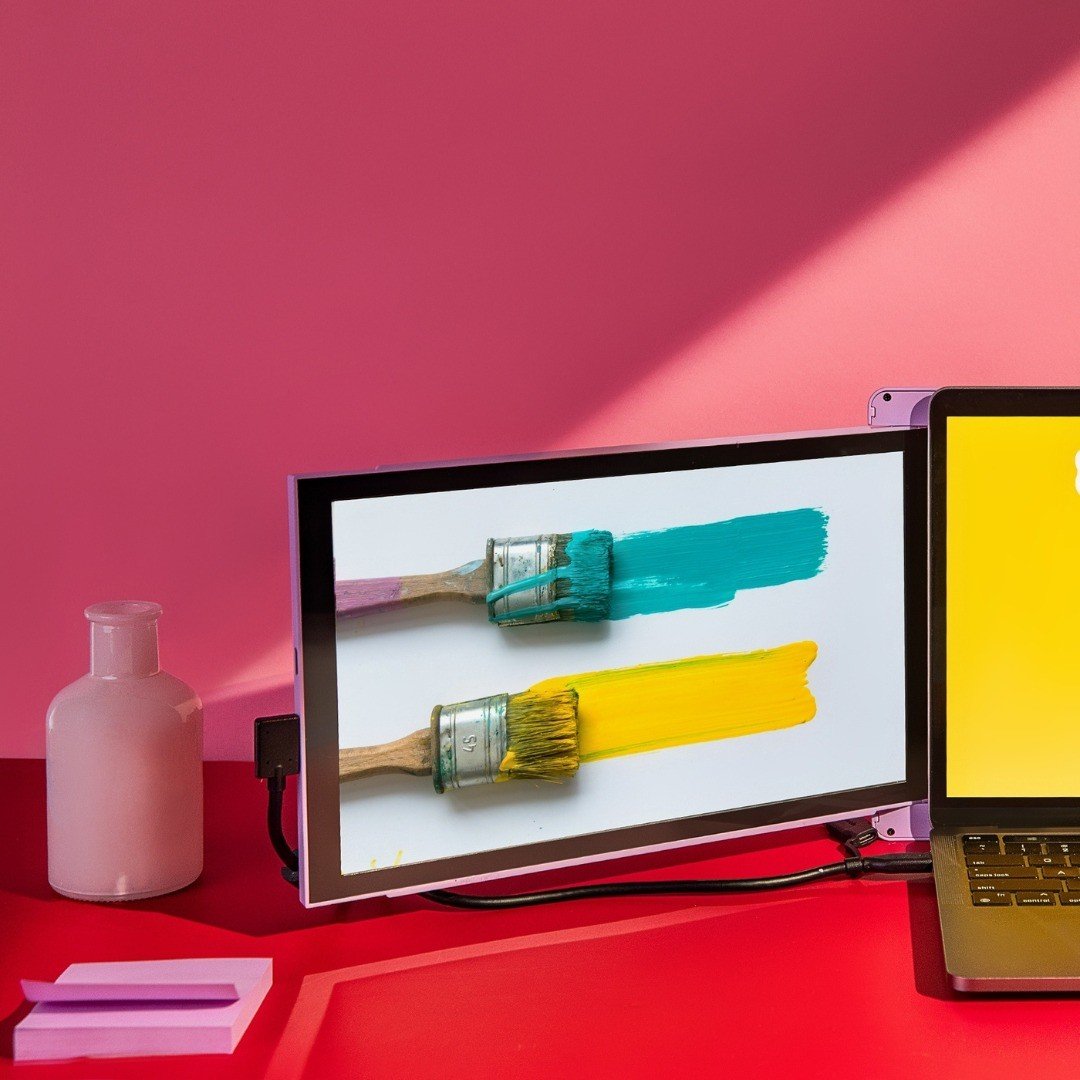
Aside from connectivity and physical design, the display’s quality also plays an important role. Particularly when dealing with comprehensive data or client-facing visuals:
Resolution and Panel Type
You will come across Full HD (1080p) resolution. It’s standard. However, if you are into designing, video editing, or data analysis, consider upgrading to QHD (1440p). Or even 4K, where crisp text and high pixel density are necessary. Search for an IPS panel that provides excellent color accuracy and wide viewing angles. Perfect for collaboration.
Brightness
If you need to work near large office windows or bright hotel lobbies, get a monitor with high brightness. Invest in at least 300 nits or higher to see the screen in multiple lighting conditions. In this way, you won’t have to change places to view the portable screen.
Anti-Glare Coating
Do reflections distract you? A matte or anti-glare screen finish is what you should have. The anti-glare coating is common when working in new environments.
Conclusion
A combination of minimal footprint and maximum functionality defines the ideal portable monitor for business use. It should emerge as an extension of your primary device, not a burden. Focus on lightweight, single-cable USB-C connectivity, durable design, and touch-screen interactivity to boost your productivity anywhere, anytime. So, don’t delay and make your way towards Mobile Pixels to buy these portable monitors. You never know, your usage might inspire others to invest in the same technology.