
Key Takeaways
- Coach marks are instructional overlays that guide users through app features, enhancing usability.
- Effective implementation of coach marks can significantly improve user retention and satisfaction.
- Overuse or poor design of coach marks may lead to user frustration and decreased engagement.
Table of Contents
- Introduction to Coach Marks
- Benefits of Using Coach Marks
- Best Practices for Implementing Coach Marks
- Common Pitfalls and How to Avoid Them
- Real-World Examples of Effective Coach Marks
- Conclusion
Introduction to Coach Marks
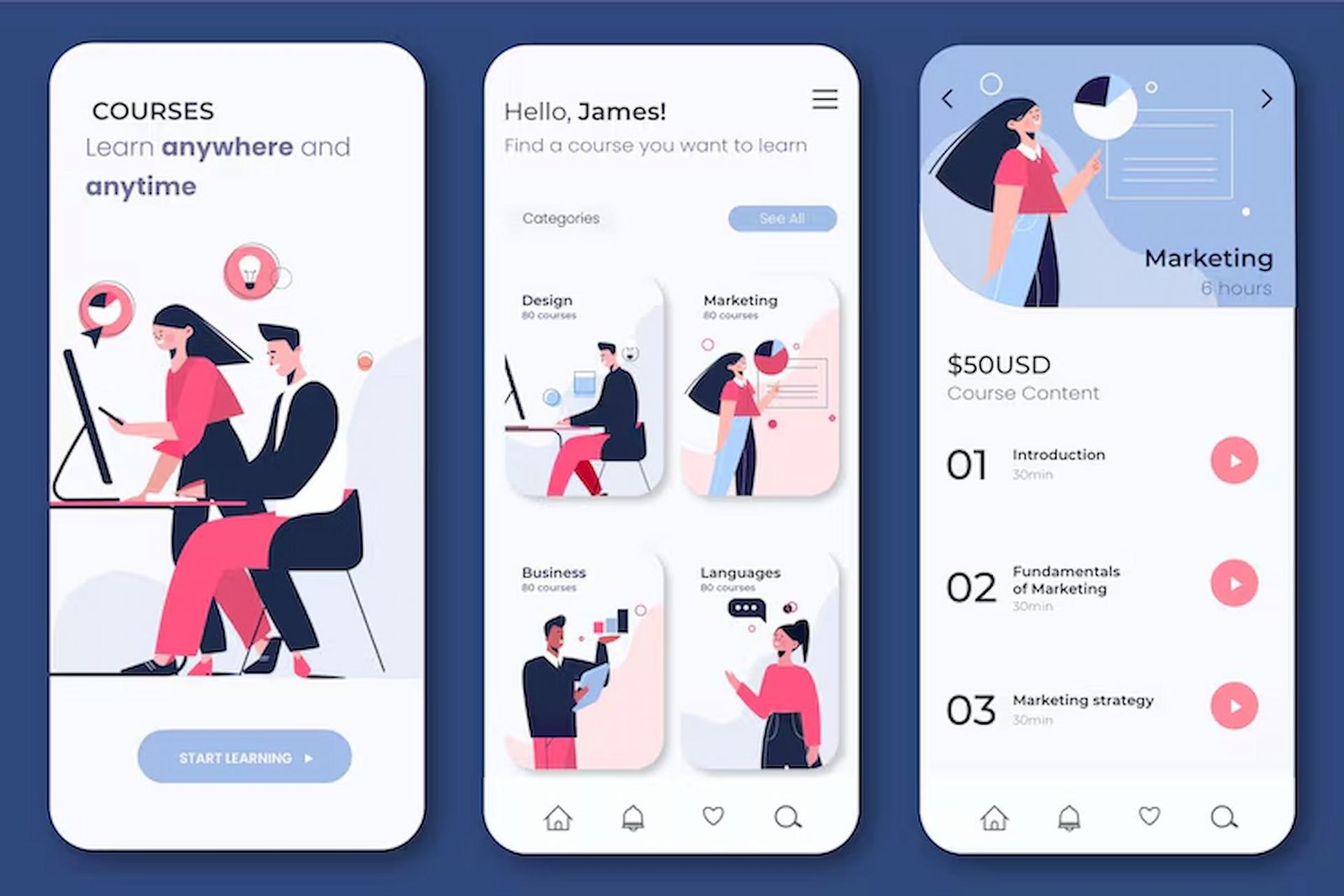
Modern mobile applications often face the challenge of providing intuitive navigation for users who are new to their features. One innovative solution is the use of coach marks, overlay elements that offer step-by-step guidance by highlighting UI components and delivering brief instructional prompts. By making the app feel more approachable, coach marks play a crucial part in user adoption and satisfaction. For those looking to explore diverse coach mark UI patterns, there is a wealth of inspiration available online.
These overlays are especially valuable during the initial onboarding phase or when new features are introduced. They empower users to interact with an app more confidently, without resorting to guesswork or external help. Coach marks are not a one-size-fits-all solution, and their impact depends on thoughtful placement, timing, and messaging.
Integrating coach marks strategically can mean the difference between an engaging, memorable user journey and a confusing, frustrating introduction to your app. Effective coach marks bridge the gap between user expectations and actual interface behavior, reducing friction points that commonly occur in mobile design.
A carefully guided experience can positively influence both short-term usability and long-term engagement metrics. As applications become increasingly sophisticated, the need for in-app instructional tools like coach marks continues to grow.
Benefits of Using Coach Marks
Implementation of coach marks offers numerous advantages for both app developers and users.
- Enhanced User Onboarding: For first-time users, coach marks break down complexity and introduce core features one step at a time. This structured approach reduces the learning curve, helping users achieve their goals efficiently.
- Increased Feature Discovery: Applications often contain powerful capabilities that are easy to overlook. Coach marks highlight these hidden features, ensuring users make the most of the app’s potential.
- Improved User Retention: A smooth and supportive onboarding journey sets a positive first impression. By minimizing confusion, coach marks help users return to the app with greater confidence and regularity.
Besides immediate benefits, well-designed coach marks can reduce support requests and lower the risk of user churn. By surfacing features contextually, they encourage deeper exploration and engagement. According to a report on mobile app onboarding, progressive guidance is a proven tactic for retaining users in their critical first sessions.
Best Practices for Implementing Coach Marks
Creating impactful coach marks requires more than just overlaying tooltips. Developers should observe several best practices to ensure these guides are helpful rather than distracting.
- Contextual Relevance: Display coach marks when a user first encounters a feature or as part of a progressive disclosure model. Avoid showing all instructions at once to prevent overwhelming users.
- Concise Messaging: Instructions should be brief, clear, and actionable. Wordy or ambiguous directions can dilute the value of the coach mark and hinder user engagement.
- Optional Engagement: Always allow users to skip or dismiss coach marks if they prefer to explore independently. Mandatory onboarding can frustrate users and drive them away.
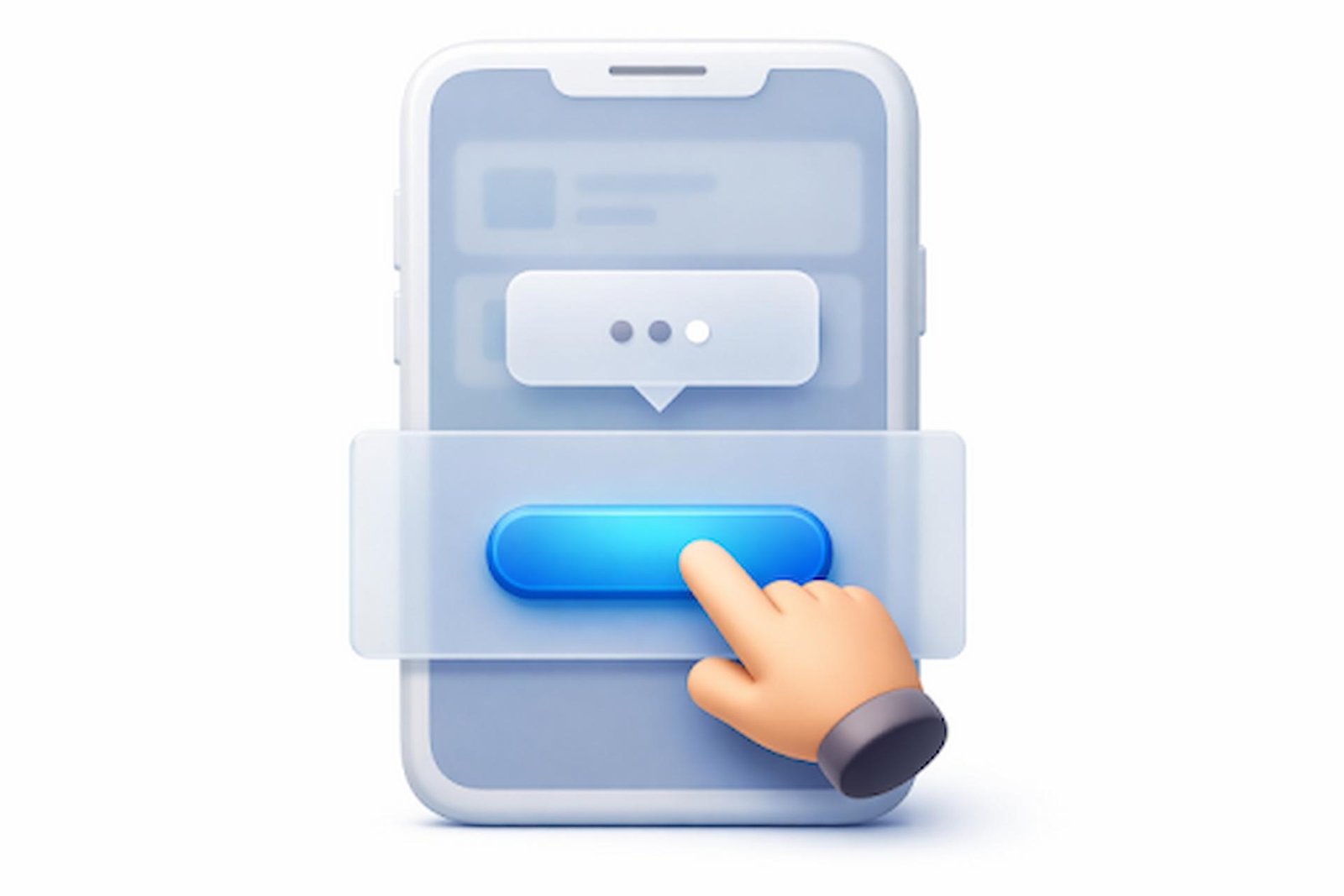
- Visual Clarity: Use high-contrast overlays, arrows, or highlighting to direct attention without cluttering the interface. Design should complement, not compete with, the underlying UI.
Testing coach mark flows with a diverse set of users can uncover usability issues early. Make adjustments based on user behavior to deliver a tailored experience that respects time and attention.
Common Pitfalls and How to Avoid Them
Though coach marks can boost accessibility and discovery, poor implementation can quickly negate their positive effects. Avoiding these common pitfalls is vital for success.
- Overuse: Repetitively presenting coach marks for every small action can overwhelm or annoy users. Limit overlays to high-impact or challenging features that truly warrant explanation.
- Poor Timing: Presenting coach marks out of context, for example, prompting on an advanced feature before users need it, disrupts the natural user flow. Time overlays appear only when contextually appropriate.
- Lack of Personalization: Different user segments have different needs. Newcomers may benefit from introductory guides, while returning users might require tips on advanced workflows. Adapt coach marks based on analytics or user input where possible.
To further reduce the risk of missteps, consider running A/B tests to evaluate the effectiveness of your onboarding sequences. Incorporating feedback from user studies or help desk interactions can also highlight areas for improvement. For more insights on optimizing onboarding strategies, refer to this article from Appalize.
Real-World Examples of Effective Coach Marks
Many leading apps illustrate the power of thoughtful coach mark implementation. Productivity platforms like Notion use targeted overlays to guide users through workspace setup, ensuring even novice users can create and share documents effortlessly.
Finance apps often leverage coach marks to walk users through their first transactions or budgeting features, helping reduce anxiety around sensitive operations. Gaming applications introduce coach marks to familiarize players with controls or special mechanics, enhancing early engagement without cognitive overload.
The success of these examples underscores the importance of making coach marks part of a broader user-centric design process, where user roles, goals, and contexts are always front of mind.
Conclusion
Thoughtful implementation of coach marks can transform user onboarding and feature discovery, directly impacting app usability and long-term engagement. When designed with contextual relevance, clarity, and flexibility, these overlays empower users without becoming intrusive. Avoiding common pitfalls ensures coach marks function as helpful guides rather than obstacles. As users’ expectations grow, incorporating coach marks is a best practice for any app seeking to deliver a welcoming, productive, and user-friendly experience.