
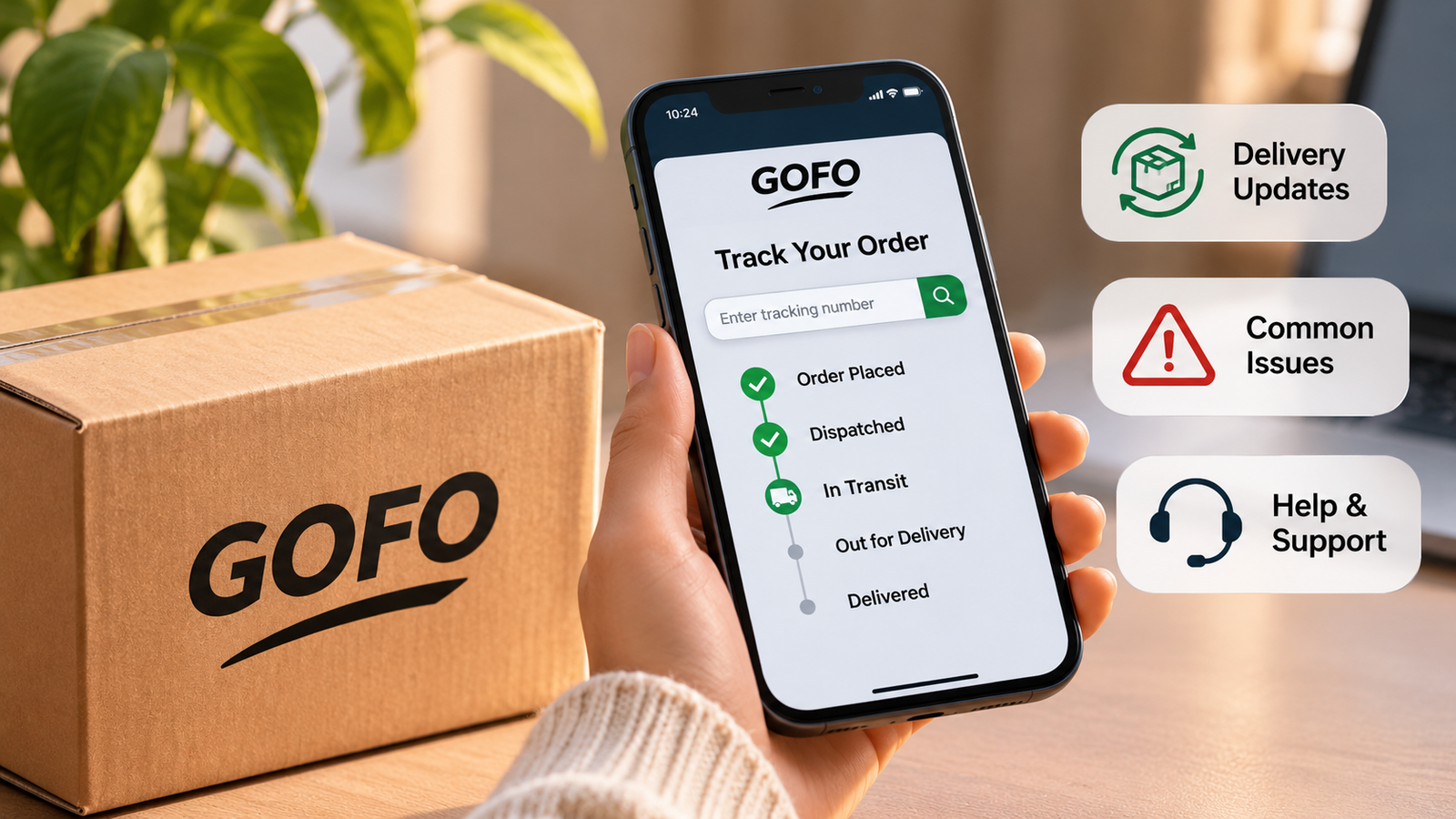
Waiting for an online order can be frustrating, especially when you are unsure where your parcel is or when it will arrive. If your shipping confirmation mentions GOFO, you can use its online tracking service to check the latest delivery information and follow your package as it moves through the network.
GOFO provides last-mile delivery services for e-commerce businesses, helping retailers get orders to customers. Its tracking system allows recipients to check shipment progress using a tracking number. This guide explains how to use GOFO tracking, understand common delivery updates and deal with problems such as delayed parcels or missing deliveries.
How to Track a GOFO Package in 2026
Checking a GOFO parcel is straightforward. You will need the tracking number supplied by the retailer or shown in your shipping confirmation.
Follow these steps:
- Visit the official tracking page: Go to GOFO’s tracking website.
- Find your tracking number: Check your dispatch email, order confirmation or shopping account.
- Enter the number: Copy it into the tracking box on the GOFO website.
- Submit your details: Select the tracking option to view the available shipment information.
- Review the latest update: Check the current status, location and most recent delivery event.
GOFO’s tracking page also supports checking more than one tracking number at a time, which can be useful if you are waiting for several orders.
For the most reliable result, make sure you enter the carrier tracking number rather than the retailer’s general order reference.
Where Can You Find Your GOFO Tracking Number?
Your tracking number is usually provided once the retailer has prepared your order for dispatch. If you cannot find it, check these places first.
Shipping confirmation email: Search your inbox for messages containing words such as ‘shipped’, ‘dispatch’, ‘delivery’ or ‘tracking’. The retailer may include the number in the email.
Online shopping account: Sign in to the website or app where you placed the order. Open your order history and look for the delivery or shipping section.
Retailer support: If the number is missing, contact the seller and ask for the carrier tracking details.
Remember that an order number and a tracking number are not always the same. If the GOFO website cannot recognise the details you have, check with the retailer before assuming there is a problem with your parcel.
Understanding Common GOFO Tracking Statuses
Tracking updates can look confusing if you are unfamiliar with delivery terminology. Each status gives you an indication of where your parcel is in the delivery process.
Here are some common updates you may come across:
- Shipping Label Created: A shipping label has been generated, but this does not necessarily mean GOFO has physically received the parcel.
- Arrived at GOFO Regional Hub: The parcel has reached a regional sorting or handling facility.
- In Transit to Next Facility: Your package is travelling to another location within the delivery network.
- Arrived at GOFO Delivery Station: The parcel has reached a facility involved in its final delivery.
- Out for Delivery: The shipment has been assigned to a delivery route and is progressing towards its destination.
- Delivered: The tracking system records the parcel as delivered. Check the delivery details if you cannot find it.
The exact wording and updates can vary depending on the shipment. It is worth checking the date and location attached to each event, rather than relying on the main status alone.
Why Is Your GOFO Tracking Not Updating?
A tracking page that has not changed for several hours can cause concern. However, a gap between updates does not automatically mean your parcel is lost.
There are several possible reasons:
The parcel has not been scanned: A tracking number may become available before the physical package receives its first carrier scan.
The parcel is travelling between facilities: Updates may be less frequent while a shipment is moving between hubs or delivery locations.
A handover is taking place: Some online orders involve more than one delivery company. Tracking information may take time to appear when responsibility passes between carriers.
There is a processing delay: High parcel volumes, operational backlogs or other delivery disruptions can affect scanning and movement.
If there has been no progress for an extended period, contact the retailer or GOFO with your tracking number and ask for an update.
What to Do If Your GOFO Parcel Is Delayed
If your estimated delivery date has passed, start by checking the most recent tracking event. Look at the date, location and status to understand where the parcel was last recorded.
Next, visit your retailer’s order page to see whether a revised delivery estimate has been provided. If there is still no useful information, contact the seller or GOFO’s recipient support team.
When making an enquiry, keep the following details ready:
- Your GOFO tracking number
- Your retailer’s order reference
- Your delivery postcode
- The date of your order
- A brief description of the issue
Providing these details can help the support team identify the shipment and understand what has happened.
Avoid placing another order simply because the tracking page has not changed. Check with the retailer first, particularly if the original parcel may still be in transit.
GOFO Says Delivered, but Your Package Is Missing
Seeing a ‘Delivered’ status when there is no parcel outside your home can be worrying. Before reporting the shipment as missing, take a few minutes to check the usual delivery areas.
Look near your front door, porch, garage or another safe place where a driver may have left the package. If you live in a flat or shared building, ask reception, building staff or neighbours whether they have accepted it.
If you still cannot locate your order, contact GOFO and the retailer. Explain that the tracking page shows a completed delivery but you have not received the parcel.
GOFO’s tracking service may provide proof-of-delivery information. Its tracking page can also request the recipient’s postcode to view delivery information. Keep a record of your enquiry in case the retailer needs it when investigating the order.
How to Contact GOFO Customer Support
If the tracking information does not answer your question, you can contact GOFO through its official customer support channels.
For recipients in the United States, GOFO lists the following contact details on its website:
- Email: cs@mail.gofo.com
- Recipient support hotline: +1 (949) 688-6032
- WhatsApp: +1 (787) 469-5811
The published recipient hotline hours are 9 am to 9 pm EST from Monday to Friday, and 11 am to 7 pm EST at weekends. WhatsApp support has separately listed hours, so check the official website for the latest information before contacting the team.
For delivery problems, use the recipient support route rather than the separate business hotline for sellers and warehouses.
You can also contact the retailer. This is particularly useful if your tracking number is missing, your order details are incorrect or you need help with a refund or replacement.
Frequently Asked Questions
1. How do I track my GOFO package?
Visit the official GOFO tracking page and enter your tracking number. Submit it to view the latest available delivery status and shipment events.
2. Why is my GOFO tracking number not working?
The parcel may not have received its first scan, or you may have entered an order reference instead of the carrier tracking number. Check your shipping email or contact the retailer for confirmation.
3. What does ‘Out for Delivery’ mean on GOFO tracking?
It means your parcel has been assigned to a delivery route and is moving towards its destination. However, this status does not guarantee that it will arrive at a particular time.
4. What should I do if GOFO says my parcel has been delivered?
Check around your property, ask neighbours or building reception, and review any available proof-of-delivery information. If the parcel is still missing, contact GOFO and the retailer.
5. Why has my GOFO parcel not moved for several days?
The shipment may be waiting for a scan, moving between facilities or experiencing a processing delay. If the tracking information remains unchanged, contact customer support with your tracking number.
6. Can I track multiple packages through GOFO?
Yes. GOFO’s official tracking page allows users to submit more than one tracking number, making it easier to check several shipments together.
Final Thoughts
GOFO tracking gives online shoppers a way to follow their parcels and check the latest available delivery information. By using the official tracking page, keeping your tracking number handy and understanding common shipment statuses, you can get a clearer picture of your order’s progress.
If an update is delayed or your parcel appears to be missing, check the retailer’s order information and contact the relevant support team. A little patience and the correct shipment details can make it easier to get an answer.