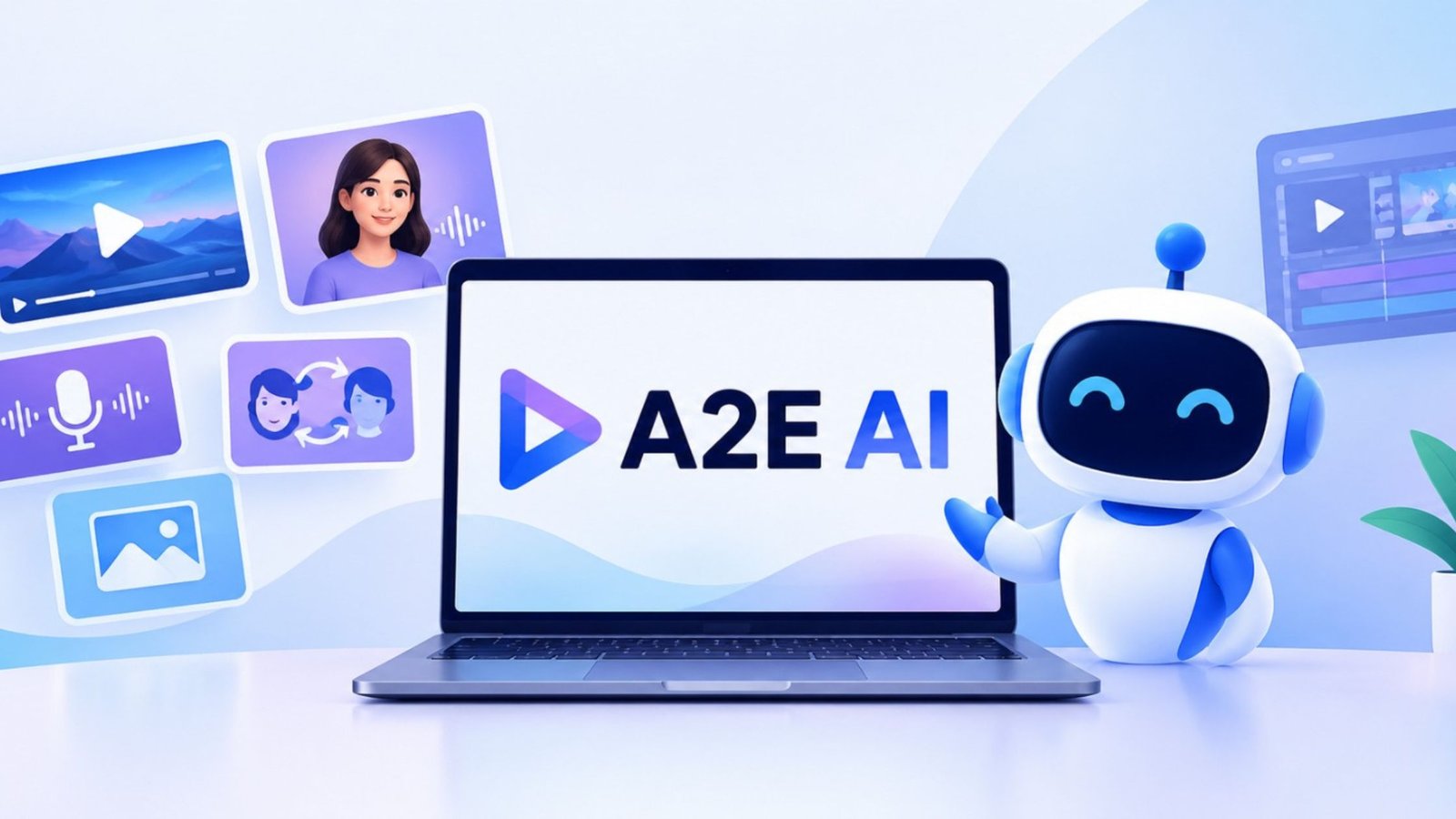
While AI video platforms are becoming more and more crowded, A2E adopts a somewhat different strategy. It unifies image and video tools, avatars, face swaps, lip sync, voice cloning, and multiple AI models under a single platform rather than concentrating on a single generation.
On paper, that seems helpful. However, having more tools in one location does not guaranty a superior experience.
A2E was examined by AIChief to determine how useful the platform is for creating images and videos on a daily basis. Although the platform is simple to use and offers a wide range of possibilities for artists, expectations should be reasonable when it comes to output consistency.
A2E AI in Practice: Advantages and Drawbacks
A2E is designed for experimenting. Without the need for a conventional video production gear, you can begin with an image, transform it into a video, make a talking photo, create an avatar, or experiment with one of its other creative tools.
The user interface is really simple. The general structure of most workflows is as follows: upload your content, select what you want to create, add a prompt or parameters if necessary, and then produce the outcome.
Benefits
A2E packs a lot of functionality into a single workspace. Image-to-video, face swap, head swap, talking photographs, lip sync, voice cloning, AI avatars, text-to-image, image manipulation, fabric switch, and more are all part of its present toolkit.
This reduces the incentive for creators to switch between platforms. Among the most practical choices are:
- Image to Video: Use AI-generated movement to transform still photos into brief films.
- AI Avatars: Use photos to create reusable avatars for talking videos.
- Talking Photos: Use lip sync and AI-generated voice to make static images talk.
- Voice Cloning: Produce multilingual cloned voices.
- Face and Head Swap: In pictures and videos, swap out faces or full heads.
- Text to Image: Create images straight from written instructions.
- Cloth Swap: Make various outfits for fashion and product images.
Additionally, the platform offers users access to many AI models, increasing its flexibility for producers who wish to try out various generational styles.
What Is Unique in Use
One of the simpler methods to begin with is the image-to-video pipeline. You create the video after uploading an image and adding a prompt that describes the movement. According to A2E, prior video editing skills is not necessary for the process.
For brief content, the talking-photo and avatar features are also helpful. It is possible to create a speaking avatar from a single portrait, and lip-sync technologies assist in coordinating speech with face movements.
Convenience is the main benefit. A2E allows you to access all of these workflows in one location rather than utilizing separate platforms for picture development, animation, and avatars.
Restrictions
Consistency is the primary problem. Although generation quality is not always predictable, A2E is helpful for short image and video experiments. While some outcomes are successful, others call for another try.
If you require a finished product on the first attempt, that is important. Before making extensive use of the platform, it is also important to comprehend the credit system. While pricier plans give more credit allocations and extra services, A2E offers free credits to new users as well as daily bonus credits.
Therefore, regular generating might nonetheless turn into a credit management exercise even though you can begin without making a payment. That might not be a big problem for people experimenting with AI video, advertisers testing concepts, and casual artists. It is worthwhile to test the platform with your own material first for production processes where each generation must be predictable.
Important A2E AI Features
Although A2E has many features, the primary tools can be divided into a few straightforward categories:
Features of What You Can Do
- From Picture to VideoUse AI-generated movement to animate still photos
- AI Avatars: Create reusable speaking avatars from photographs
- Talking Photo: Create realistic lip sync photos that speak
- Voice Clone: Produce artificial intelligence voices
- Face Swap: Change the faces in pictures and videos
- Head Swap: Replace the full head instead than just the face.
- Text to PictureCreate pictures based on prompts
- Image Editor: Modify current photographs using AI
- Cloth Swap: Make garment changes in pictures
A2E AI substitutes
The range of A2E is its greatest strength, yet depending on what you really want to develop, you might pick a more specialized platform. Let’s examine some alternatives to A2E AI:
Runway: For Innovative Video Management
For creators who wish to spend more time working directly with AI-generated video and creative controls, Runway is a better option. Instead of a vast array of avatar and picture capabilities, it is an AI video generation platform with tools targeted for creative production.
Runway is worth comparing to A2E if your primary objective is to create and shape creative film rather than explore with various AI tools.
HeyGen: For Videos of AI Avatars
HeyGen places a lot of emphasis on creating multilingual videos, lip sync, speech, and AI avatars. AIChief emphasizes its lip-sync performance, realistic avatars, and support for over 175 languages and dialects.
For users who frequently produce training films, marketing materials, presentations, or other avatar-led media, it makes more sense.
Synthesia: For Content in Business Videos
Synthesia adopts an even more aggressive business-oriented strategy. With support for several languages, collaboration, and integrations for internal communications and training, it is built around AI avatar videos for businesses.
Synthesia provides a more specific workflow than A2E for teams producing corporate communications, instructional materials, or staff training.
In conclusion
A2E’s attempt to consolidate numerous AI creation procedures under one roof makes it intriguing. Without having to move between platforms all the time, you may play with image-to-video generation, avatars, talking photos, voice cloning, face swapping, and image creation.
Consistency is the trade-off. While some generations will function successfully, others will require another try. Because of this, this AI is more attractive for rapid content generation and testing than procedures where each output must be predictable.
It’s worth a try if you’re looking for a comprehensive creative toolkit. Platforms like Runway, HeyGen, or Synthesia may provide a more focused experience if you have a more precise objective.
FAQs
Is it free to utilize A2E AI?
Users can test A2E’s image and video products without having to subscribe right away by using its free plan with extra credits. Extra credits and features are available with paid plans.
With A2E AI, what can you produce?
AI films, talking pictures, avatars, voice clones, face swaps, head swaps, generated graphics, and other visual content can all be produced.
Is A2E AI suitable for novices?
Because many of its tools follow straightforward upload-and-generate routines, A2E is rather simple to investigate. To achieve consistent results, users producing more complex content may need to do some trial and error.